> ## Documentation Index
> Fetch the complete documentation index at: https://docs.spectate.net/llms.txt
> Use this file to discover all available pages before exploring further.
# Settings
Settings related to incidents can be found under your [team's settings page](https://app.spectate.net/team/settings).
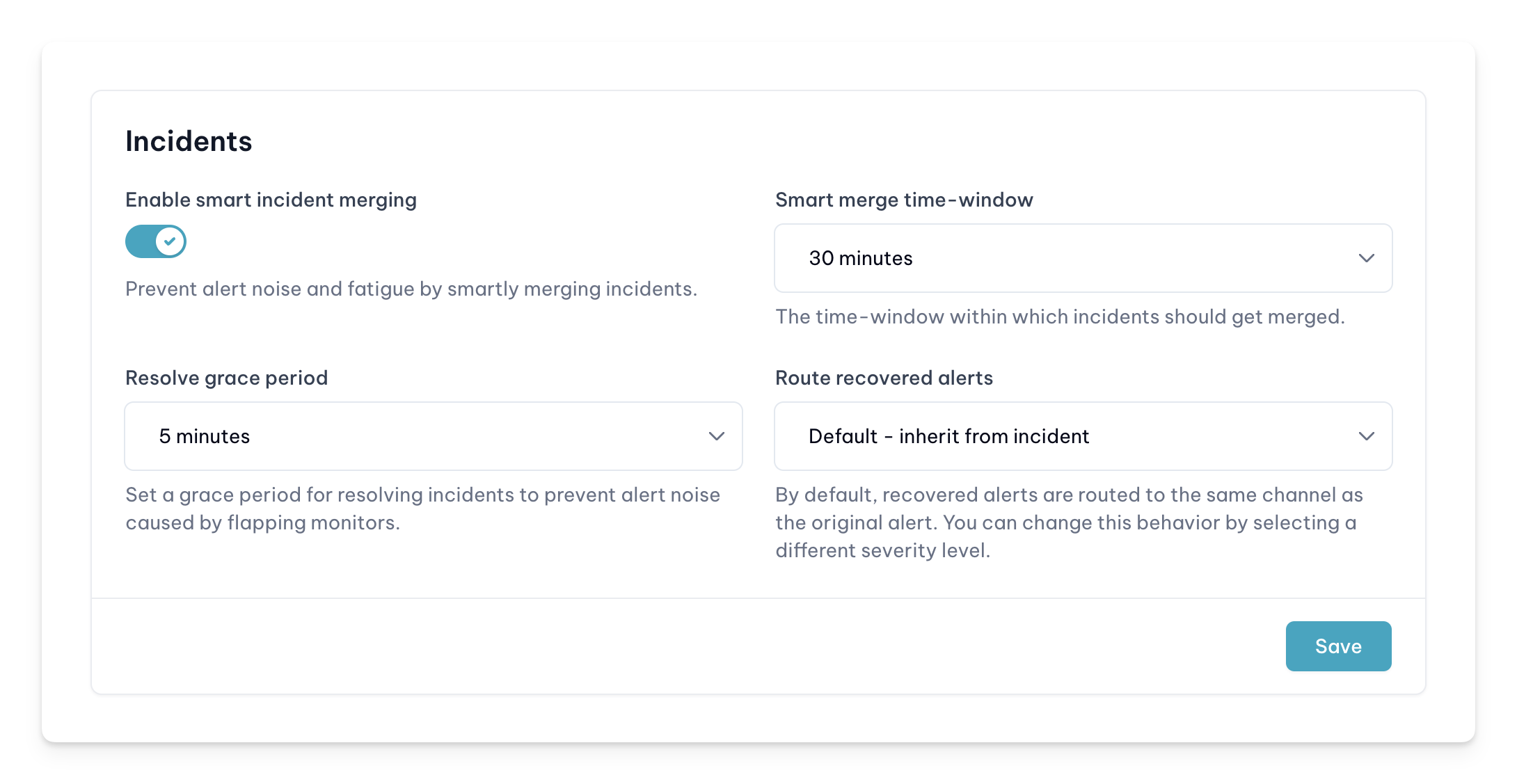 ## Smart incident merging
For more information on smart incident merging, see the [dedicated page](/features/incident-management/smart-incident-merging).
## Incident resolve grace period
To prevent flapping monitors from creating and resolving incidents too quickly, Spectate has a grace period for resolving incidents. This grace period is set to 5 minutes by default, but can be adjusted to your liking.
## Route recovered alerts
By default, Spectate will send a recovered alert to the same channel as the incident was created in. If you want to send recovered alerts to a different severity route, you can do so by selecting the severity from the dropdown.
## Smart incident merging
For more information on smart incident merging, see the [dedicated page](/features/incident-management/smart-incident-merging).
## Incident resolve grace period
To prevent flapping monitors from creating and resolving incidents too quickly, Spectate has a grace period for resolving incidents. This grace period is set to 5 minutes by default, but can be adjusted to your liking.
## Route recovered alerts
By default, Spectate will send a recovered alert to the same channel as the incident was created in. If you want to send recovered alerts to a different severity route, you can do so by selecting the severity from the dropdown.