> ## Documentation Index
> Fetch the complete documentation index at: https://docs.spectate.net/llms.txt
> Use this file to discover all available pages before exploring further.
# Projects
> Manage website and server monitors in projects in your team.
## What is a project?
A project is a collection of monitors and hosts that you can use to monitor your applications and websites. You can create as many projects as you want.
Projects help you organize your monitors and hosts in a logical way instead of having them scattered across multiple teams. For example, as an agency you might have a project for each of your clients. Or you might have a project for each of your departments.
Creating more than one project is only available for teams with a **Pro** or higher plan.
## Your default project
When you create a new team, you will automatically be assigned to a default project. This project is created for you and will be used to monitor your servers and applications.
You can use this project as fallback for any incidents that are created for your servers and applications. This way, you can ensure that any alerts will be sent to the appropriate integration.
## How to create a project?
To create a project, go to the **Projects** tab in the sidebar and click the **Create project** button.
## Setting up per-project alerts
Alerts can be configured per project. This way, you can ensure that alerts are sent to the appropriate integrations and that you don't have to configure alerts for every monitor in your team.
To set up per-project alerts, go to the **Projects** tab in the sidebar and click on a project. You will be presented with a form to configure your alerts.
## Setting up per-project metric condition policies
Metric condition policies can be configured per project. This way, you can ensure that metric condition policies are applied to the appropriate monitors and that you don't have to configure metric condition policies for every host in your team.
To set up per-project metric condition policies, go to the **Projects** tab in the sidebar and click on a project. You will be presented with a form to configure your metric condition policies.
## Editing a project
You can currently only edit the name of a project.
To do this, go to the project you want to edit and click on the **Edit project** button in the top right corner.
You can currently not change the default project.
## Deleting a project
To delete a project, go to the **Projects** tab in the sidebar and click on the **Trash** button next to the project you want to delete.
You can not delete the default project.
## Resources
### Monitors
#### Assigning a monitor to a project
To assign a monitor to a project, you can either:
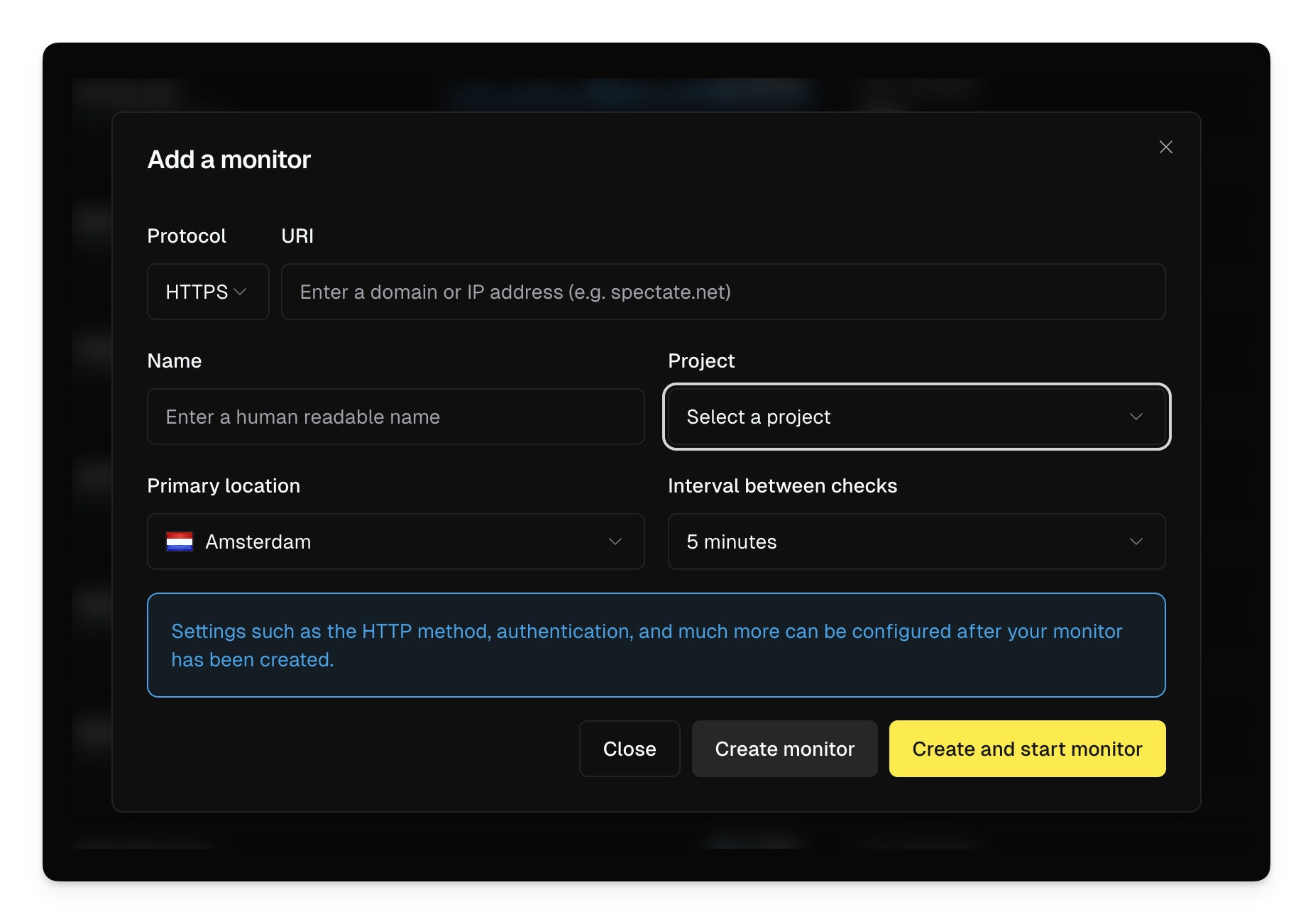
* Select the project from the dropdown when creating a monitor.
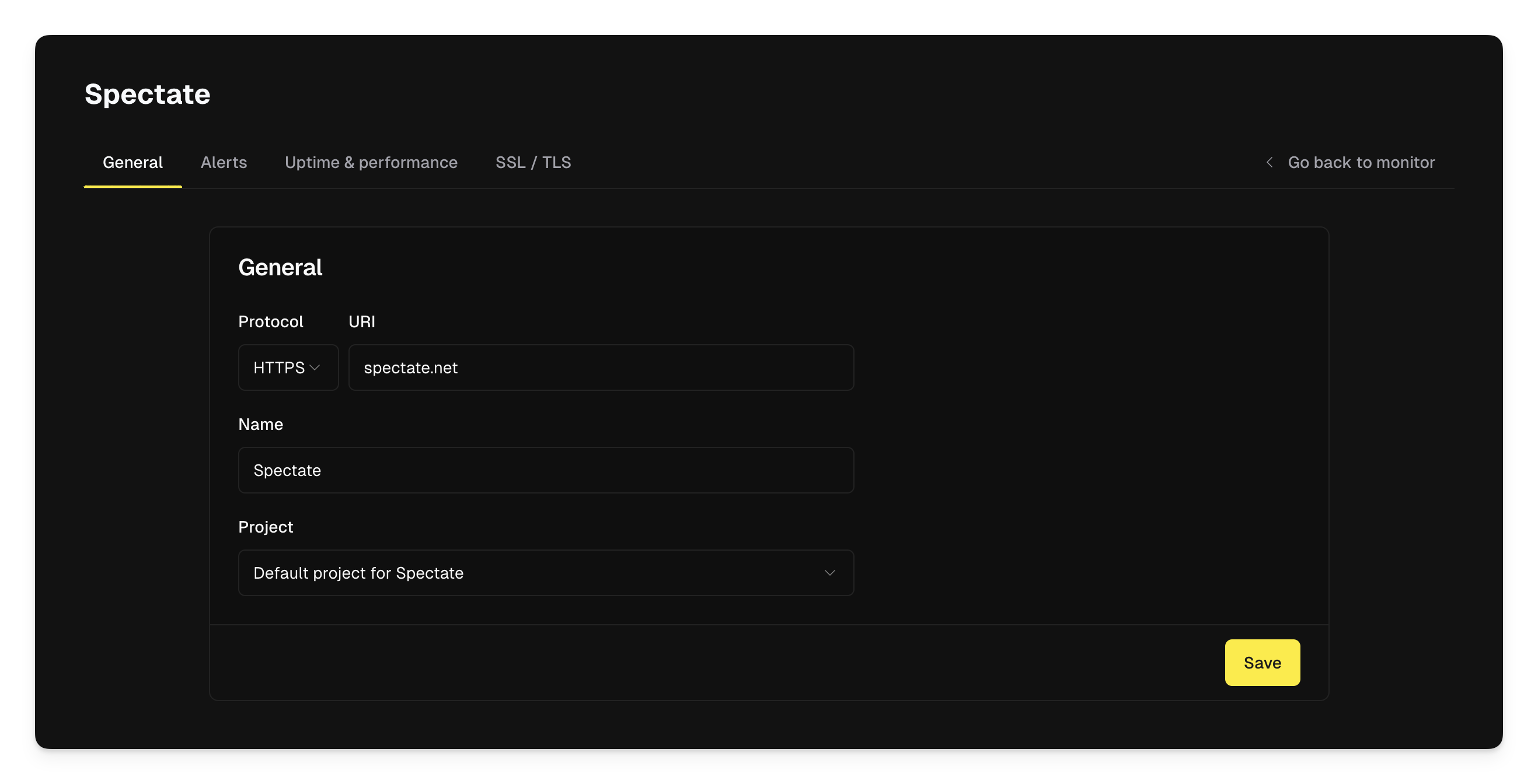
 * Go to the monitor's setting pages. From here, you can select the project you want to assign the monitor to.
 ### Hosts
#### Assigning a host to a project
By default, hosts are assigned to the default project.
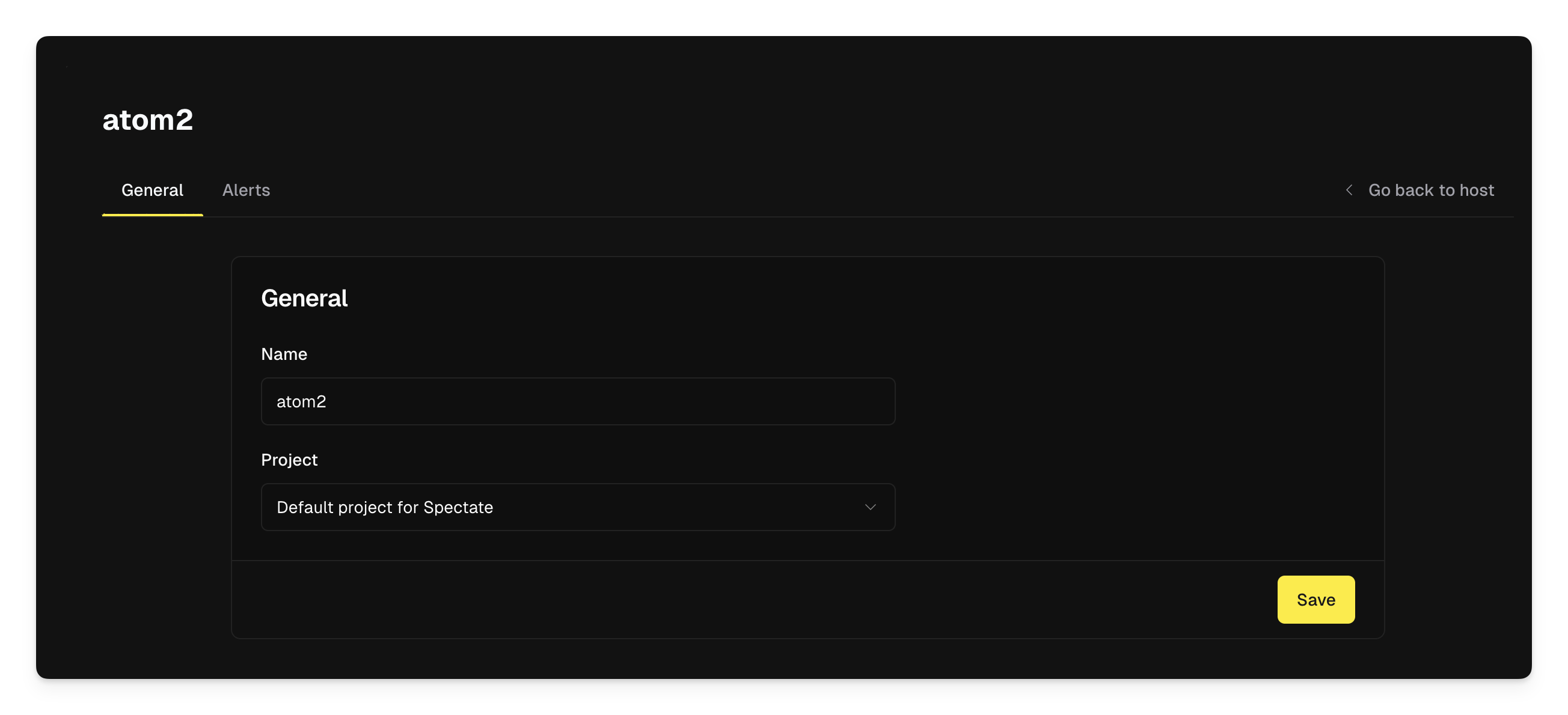
To assign a host to a different project you have to go to the host's setting pages. From here, you can select the project you want to assign the host to.
### Hosts
#### Assigning a host to a project
By default, hosts are assigned to the default project.
To assign a host to a different project you have to go to the host's setting pages. From here, you can select the project you want to assign the host to.
 ### Domains
#### Assigning a domain to a project
Just like monitors, you can assign a domain to a project upon creation or by editing the domain's settings.
### Domains
#### Assigning a domain to a project
Just like monitors, you can assign a domain to a project upon creation or by editing the domain's settings.